Who owes what?
Camping, holidays, household bills, a team lunch… Log what the group spent and let Splitto work out every balance — then settle up in the fewest possible payments.
iPhone, iPad and Android · Free
Installed outside Google Play; your phone may ask you to confirm.
How it works
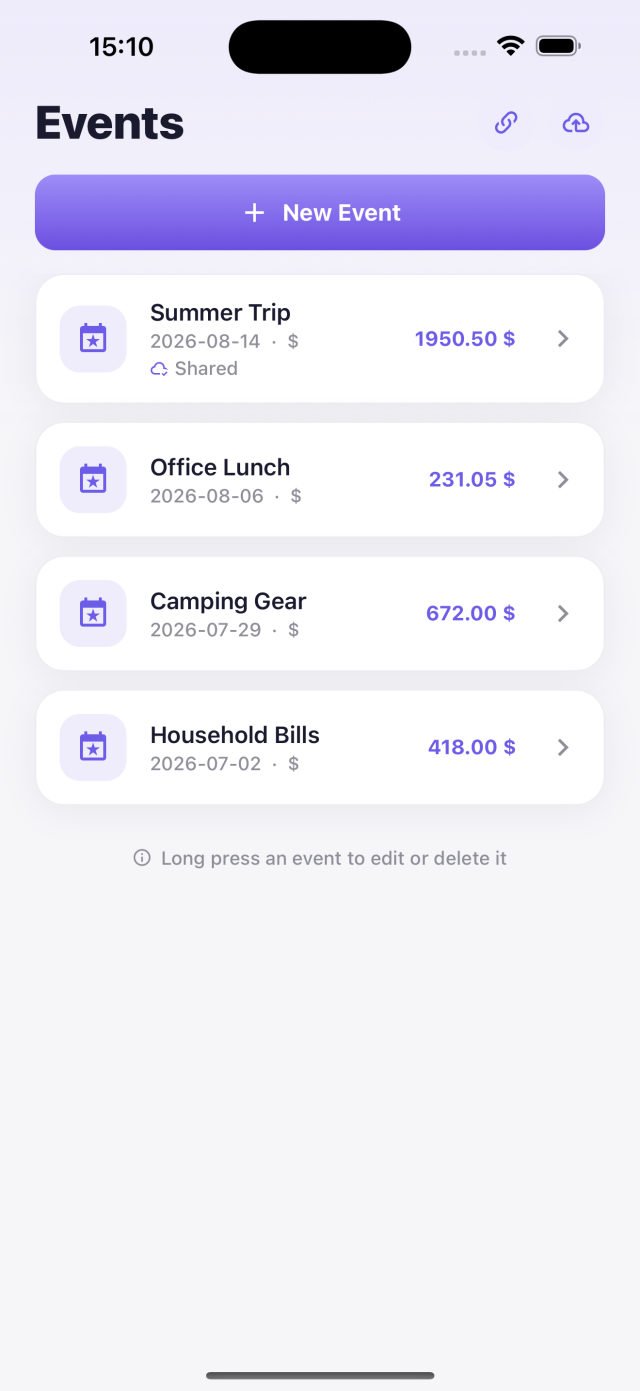
- Create an eventA holiday, the household bills, a birthday — a separate account for every group, with its own currency.
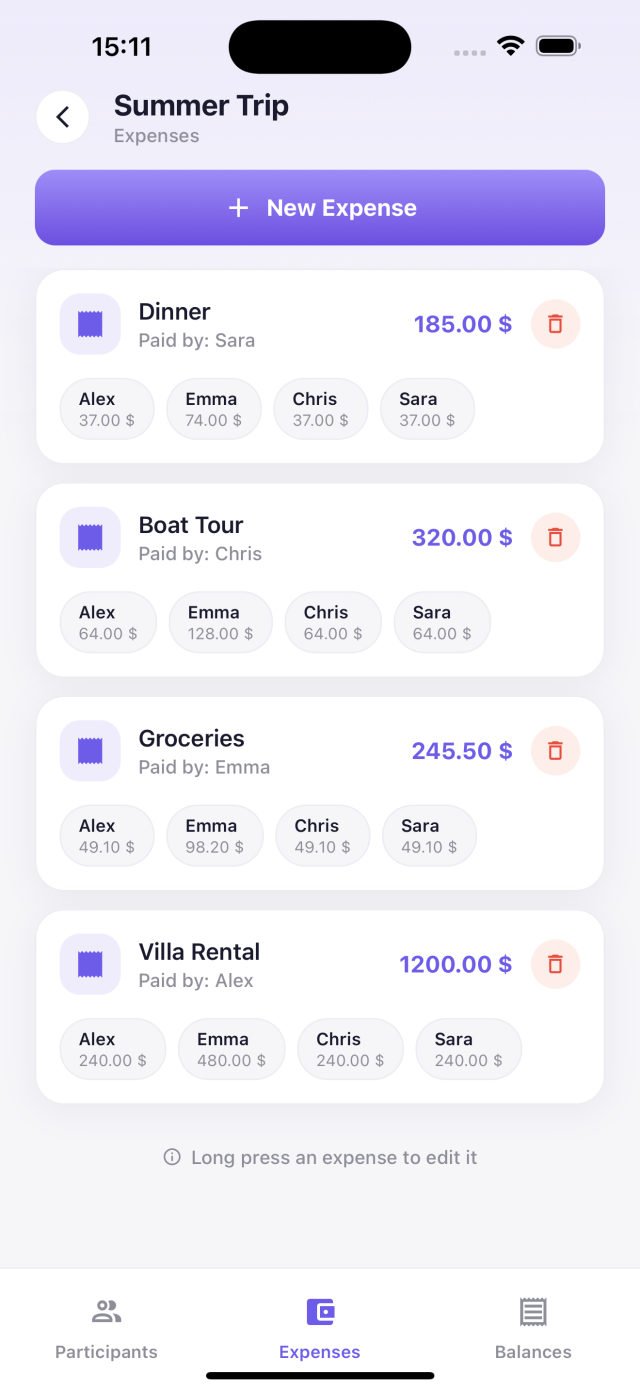
- Log the expensesMark who paid and who shared it. If someone is standing in for their family, raise their share accordingly.
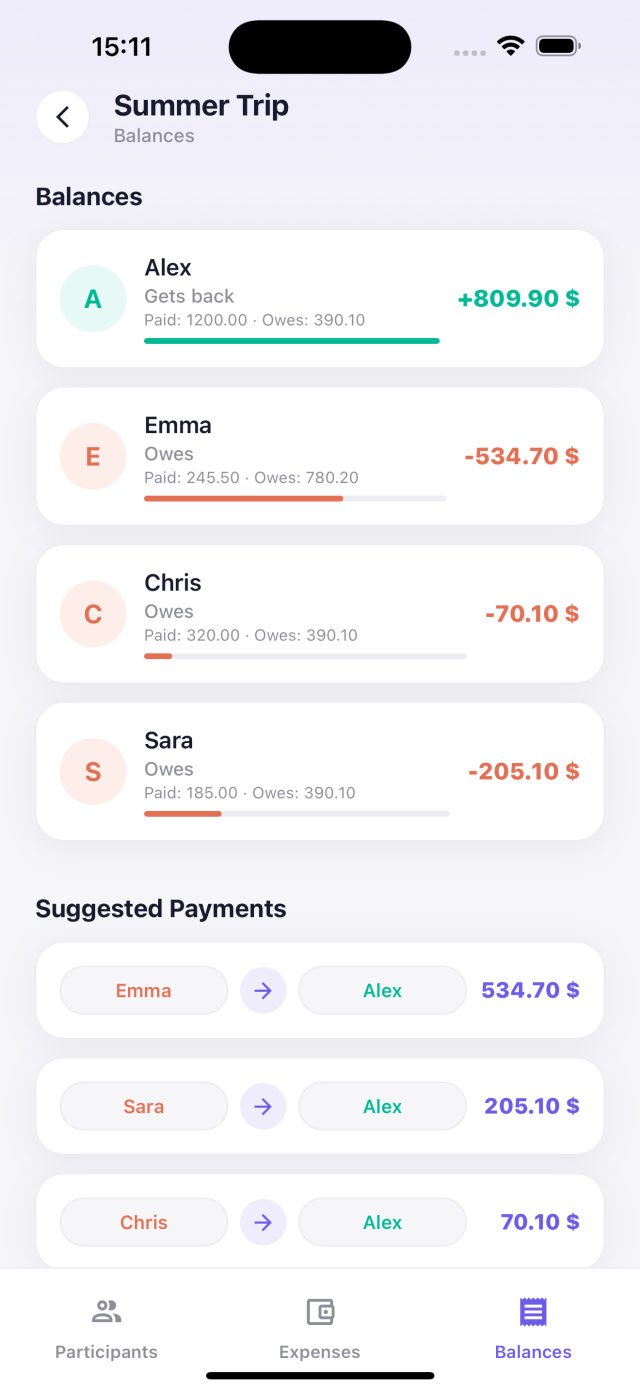
- Settle upNobody has to pay everybody — Splitto works out the shortest list of transfers that clears every debt.
What you get
- Shared eventsSend a link and let friends add their own expenses. No install needed to join; the link opens in any browser.
- Smart settlementCredits and debts are matched up so the number of transfers stays as low as possible.
- PDF summaryExport balances and suggested payments as a PDF and share it over WhatsApp, email or AirDrop.
- Multiple currenciesChoose ₺, $, € or £ per event.
- Works offlineWhat you enter without a connection waits on your device and syncs itself once you are back online.
- Per-person multiplierWhen one participant stands for several people, their share scales with them — for families and couples.
- Dark modeThe app follows your device appearance setting.
- No account neededNo sign-up, no email, no password. Open it and start.
Pro
Splitto Pro
Splitto is free and will stay that way. For anyone who wants it ad-free with a few extras, there is a one-time upgrade.
- No adsNo ads on any screen, and no tracking prompt either.
- StatsWho paid what against their share, cost per person and the largest expenses — as charts.
- Export to ExcelGet expenses and balances as a CSV file and open it in Excel.
- Clean PDFNo “Created with Splitto” line at the bottom of the PDF summary.
- Automatic backupA copy is kept on the device each day your data changes; go back to an earlier day any time.
- App iconsFour colour variants of the icon for your home screen (iPhone and iPad).
- Pay once — not a subscription
- Includes Pro features added later
- Nothing that is free today moves to Pro
Open it from the crown icon at the top right of the Events screen; the App Store shows the price in your own currency.
For now Pro is only in the App Store version; the Android APK from this site has no purchase option.
Where your data lives
Events you create stay on your device. The moment you share an event, that event’s data goes to our server — the people you invite have to be able to see it. Nothing you do not share ever leaves your device.
We do not ask for your name, email or phone number. Details: Privacy Policy.